

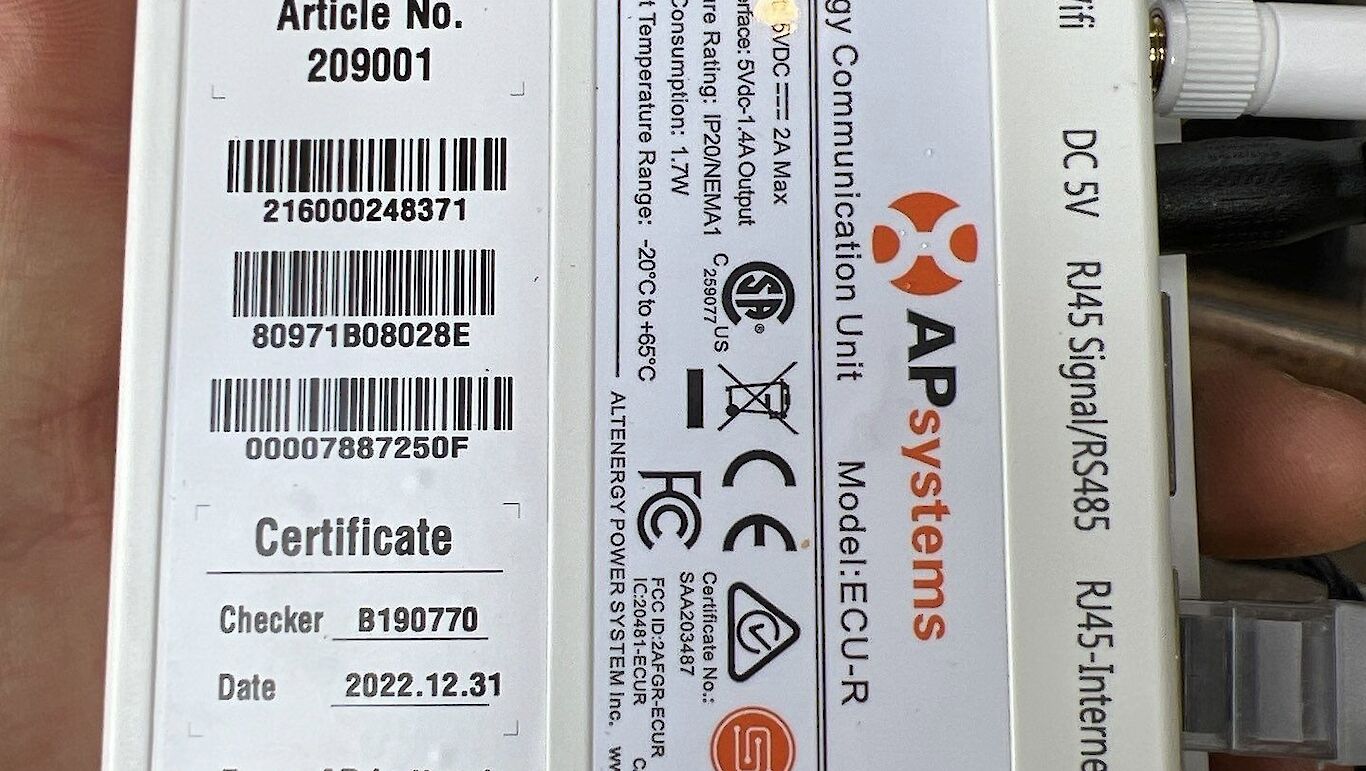
Equipment
- Microinverters: APsystems DS3-L
- Monitoring Unit: ECU-R
- Communication: Wi-Fi
Reported Issue
System appeared offline in the monitoring app, raising concern that solar production had stopped.
What This Usually Means
When Wi-Fi is interrupted:
- ECU-R loses connection to the router
- Monitoring stops reporting data
- Solar production continues normally
This is a communication issue, not a generation failure.
Solution: ECU-R System Reset
Step-by-Step Reset Procedure
- Disconnect power to:
- ECU-R
- Internet router
- Wait 30 seconds
- Restore power to both devices
- Use a pin or paperclip to press the reset button on the ECU-R for 15 seconds
Allow up to 2 hours for full reconnection.
If Reset Does Not Work
Contact APsystems Support at 844-279-8600 and request:
- System resynchronization
(This resends communication commands from the ECU-R to the DS3-L microinverters.)
If resync fails, a service visit may be required.
Final Result
- Monitoring data restored
- No impact on solar production
- No hardware replacement
Key Takeaway
An offline APsystems dashboard almost always points to a communication issue. Reset and resynchronization resolve the vast majority of cases.