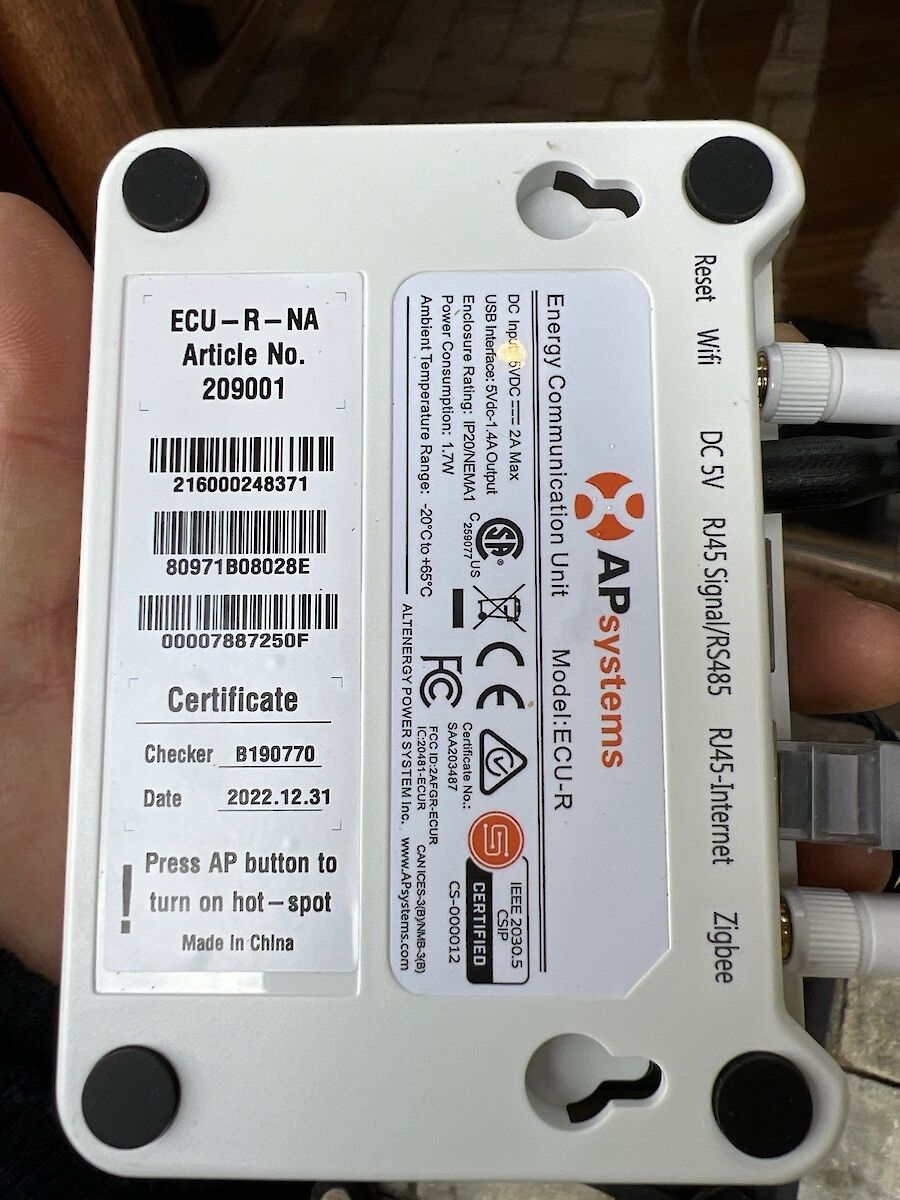
System appeared offline in the monitoring app, raising concern that solar production had stopped.
Equipment
System appeared offline in the monitoring app, raising concern that solar production had stopped.
When Wi-Fi is interrupted:
This is a communication issue, not a generation failure.
Step-by-Step Reset Procedure
Allow up to 2 hours for full reconnection.
Contact APsystems Support at 844-279-8600 and request:
If resync fails, a service visit may be required.
Key Takeaway
An offline APsystems dashboard almost always points to a communication issue. Reset and resynchronization resolve the vast majority of cases.